Our playing guide
Lights Out · How to play
Lights Out makes every press affect a small pattern. Think in combinations rather than trying to turn off one isolated square at a time.
Controls
Use the touch-friendly game controls. Detailed rules appear below the board.
Rules & goal
- Pressing a cell toggles it and its orthogonal neighbors.
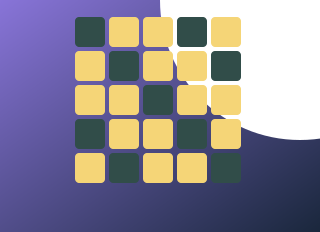
- Lit cells turn off and dark cells turn on. The goal is a fully dark board.
- Pressing a cell twice cancels its effect; order does not change the final combination.
Beginner tips
- Test a corner to understand the footprint of a press.
- Keep track of tried combinations instead of cycling between the same two states.
Progress & devices
Play in a desktop or mobile browser using the controls above. Some games save only in the current browser; clearing site data can remove saves. Pause when stepping away. Reloading is not guaranteed to preserve the current round.
View game source & license · Report a problem